ShopNative WP
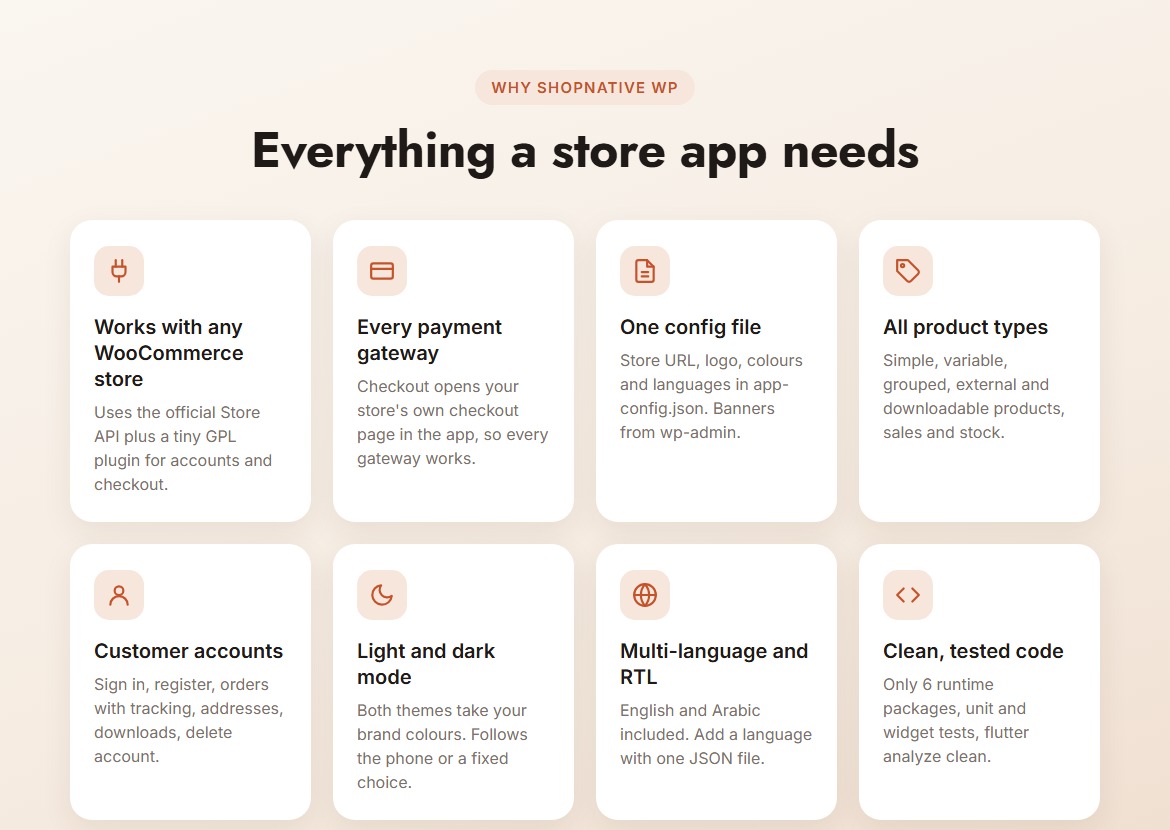
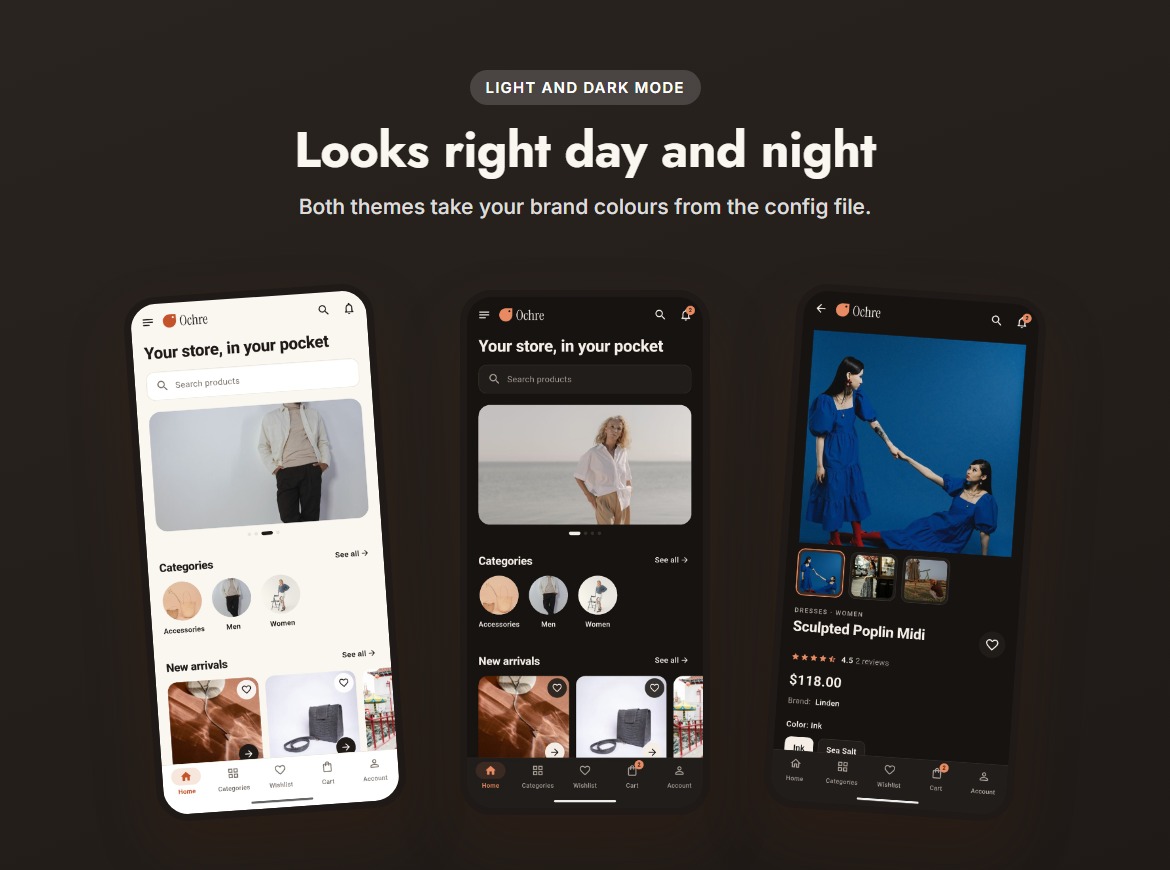
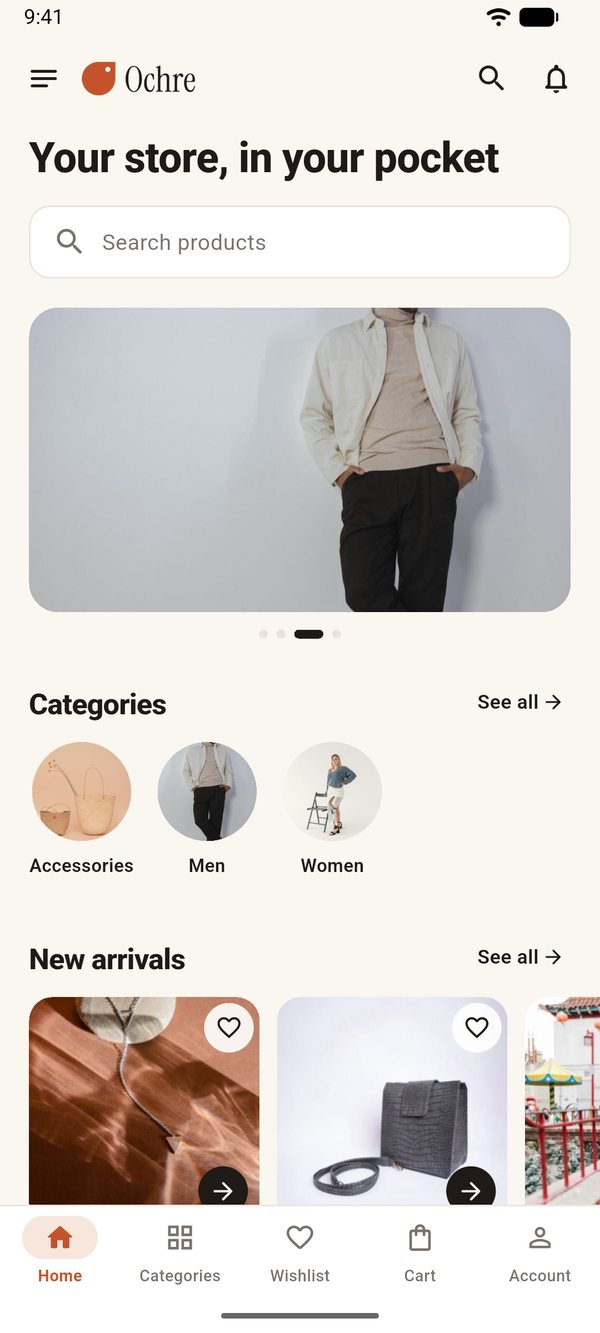
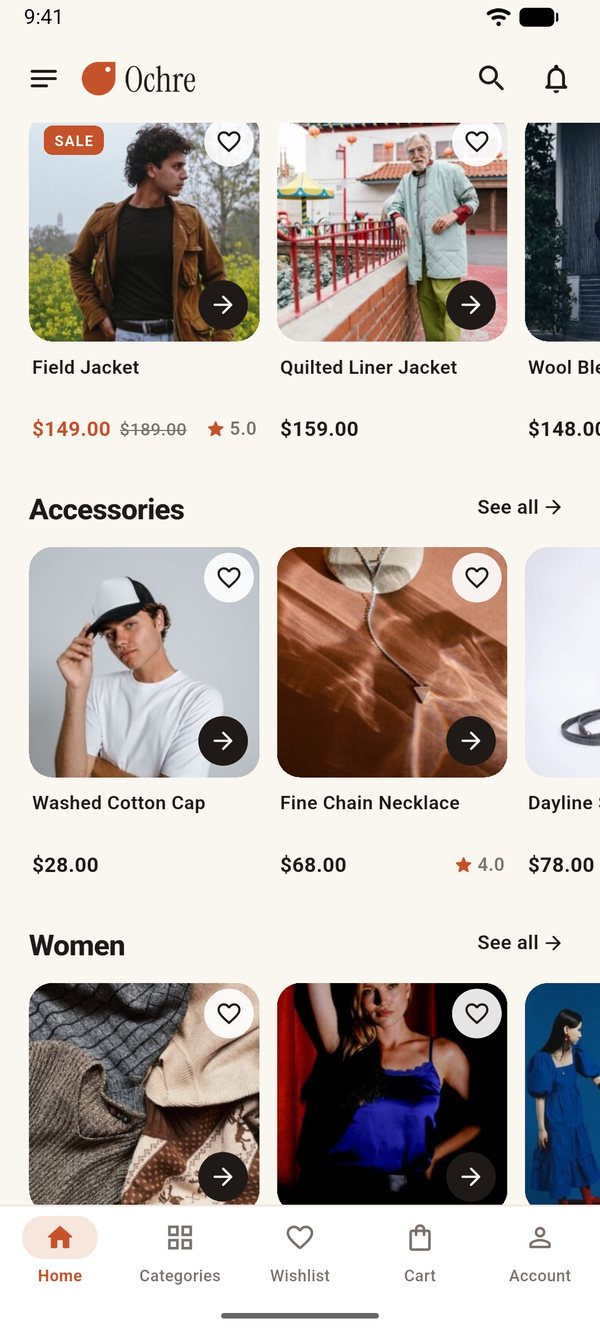
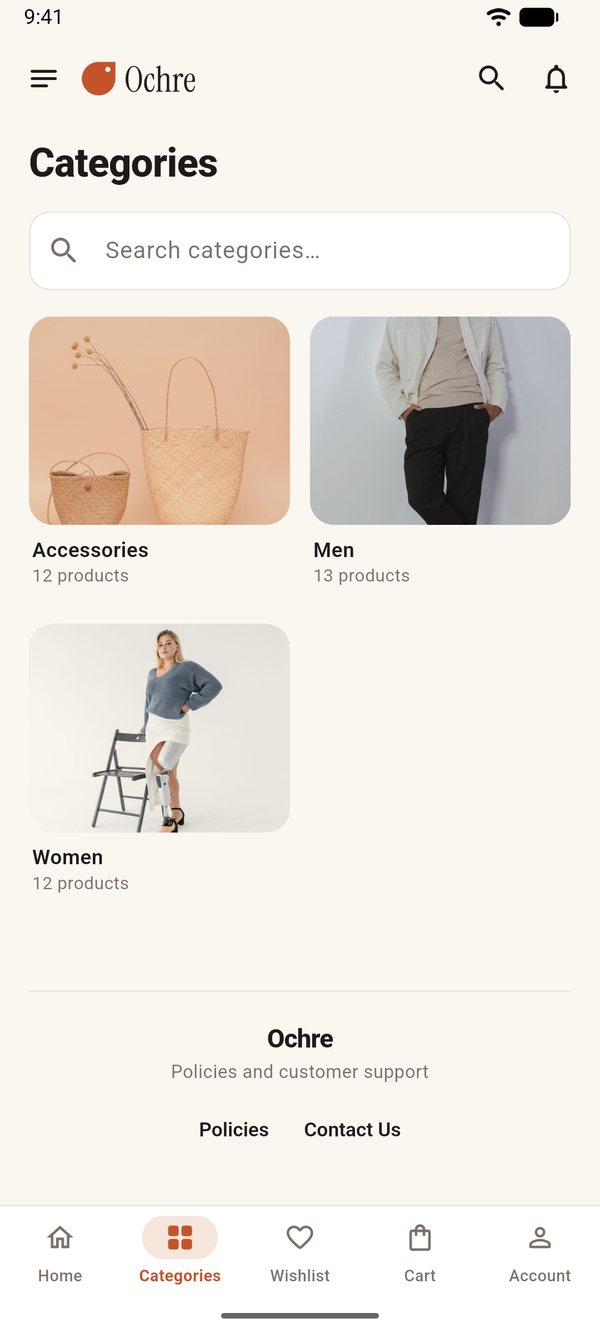
A native mobile app for your WooCommerce store. This page shows the demo app, connected to our demo store "Ochre" at shopnative-wp.devapptics.com.
Try the Android demo
- Download the APK on an Android 7.0+ phone (64-bit ARM, which covers almost all current phones).
- Open it and allow "install unknown apps" when Android asks.
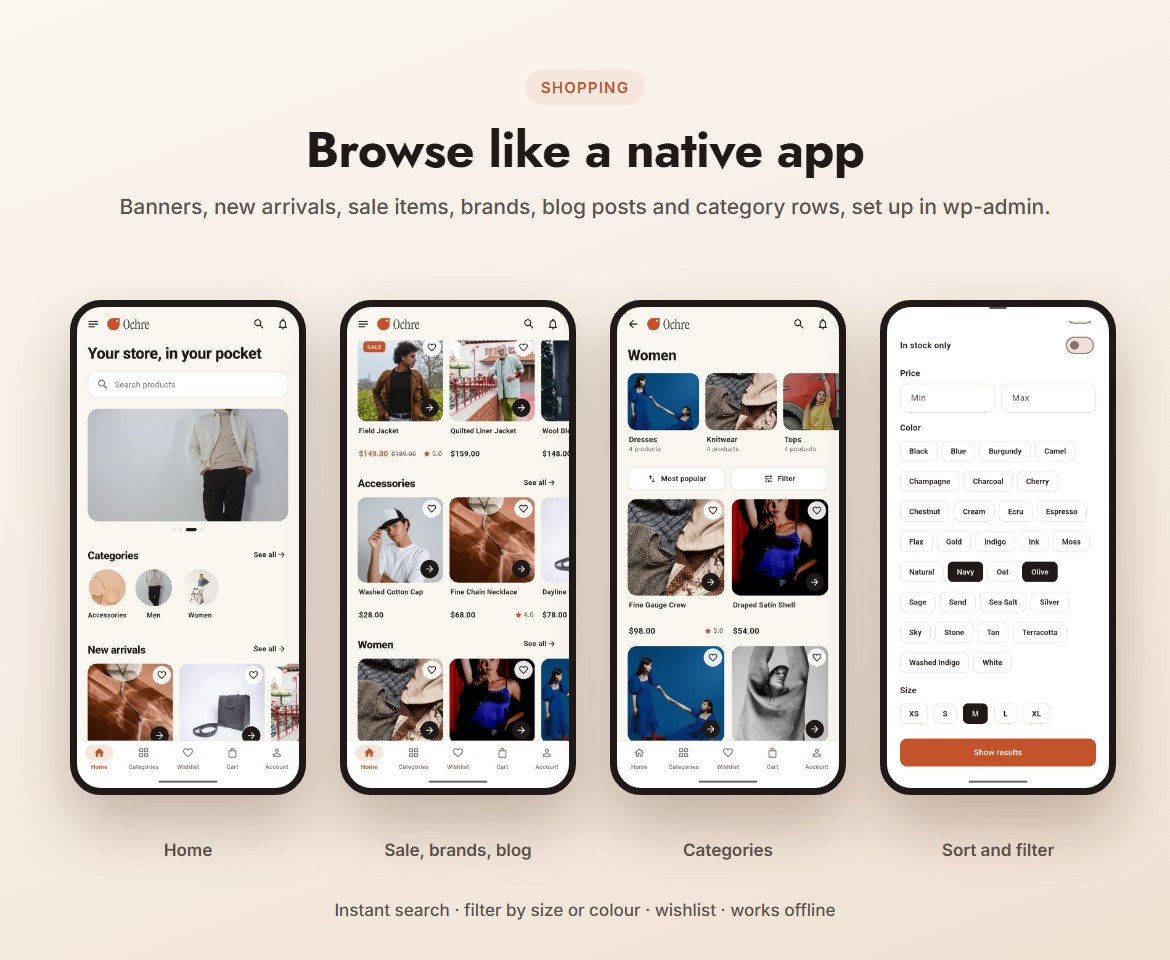
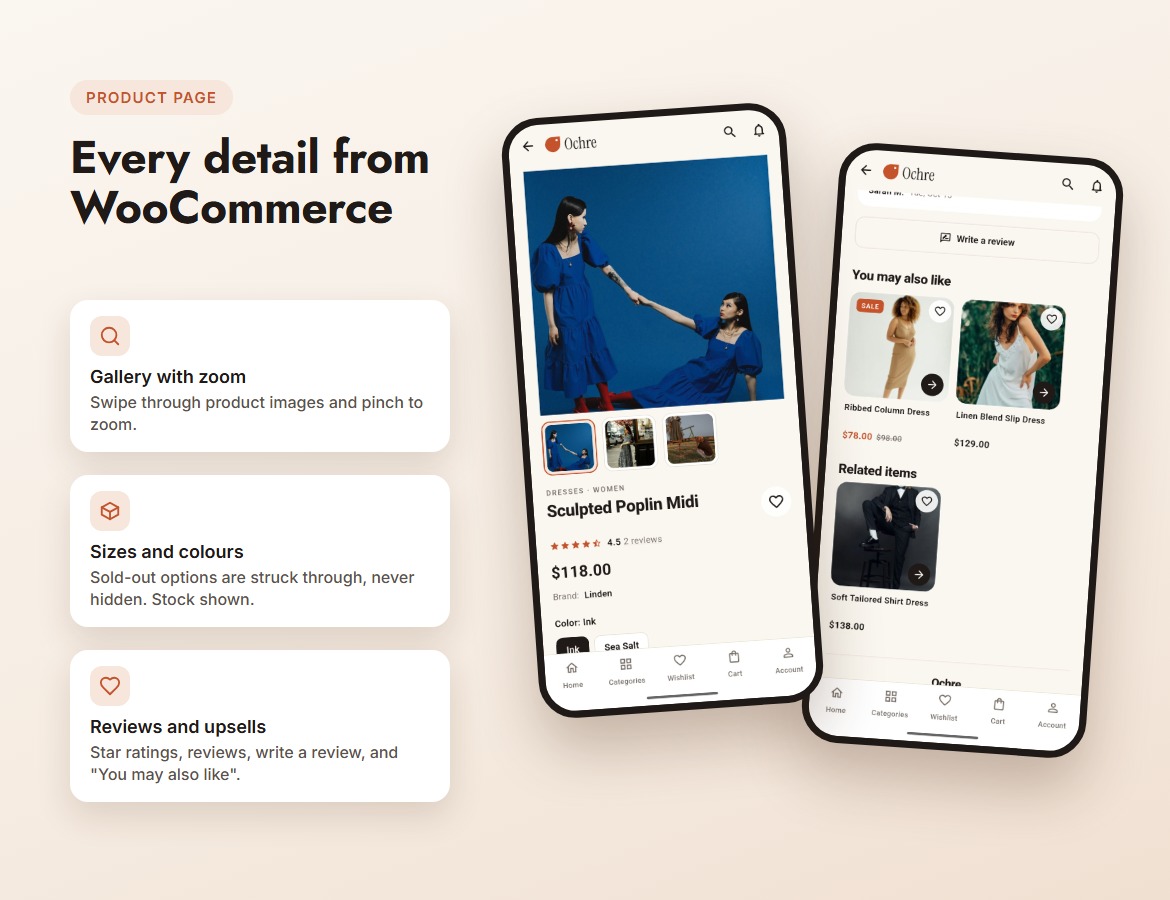
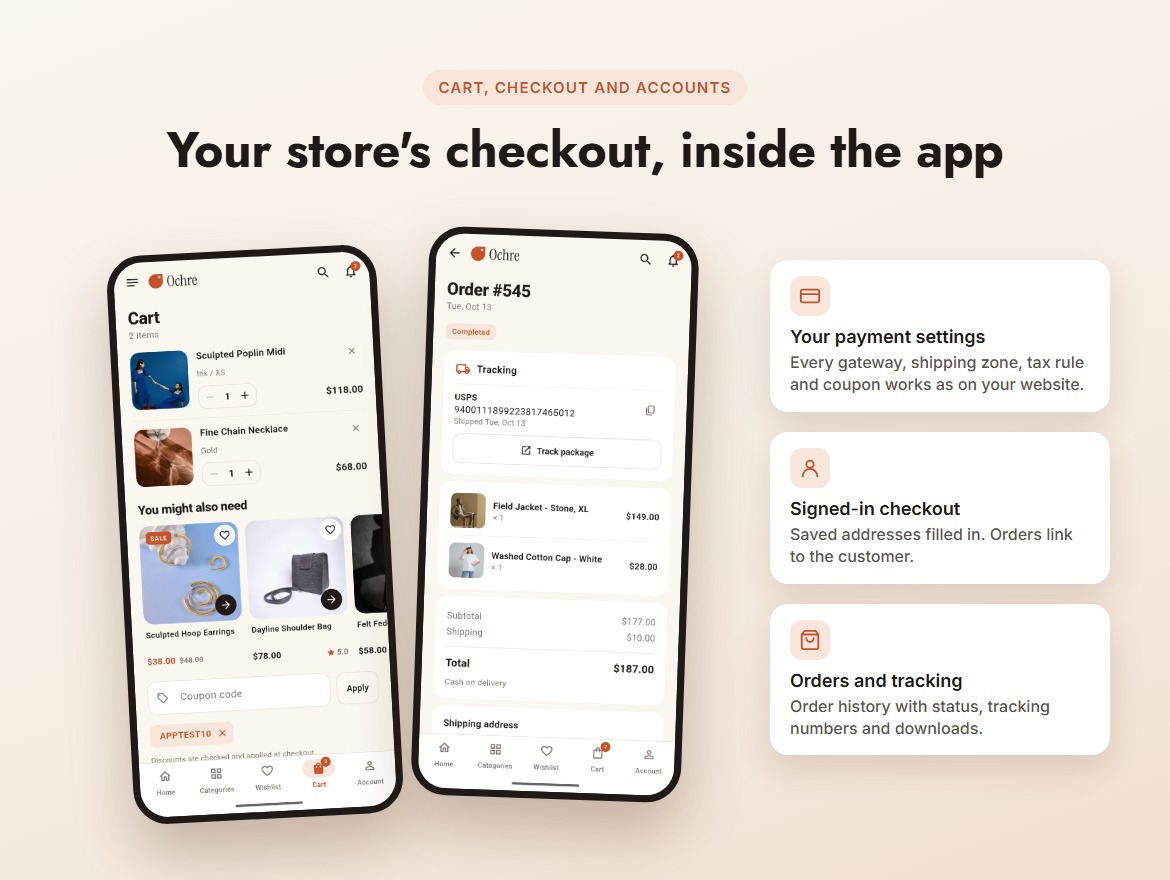
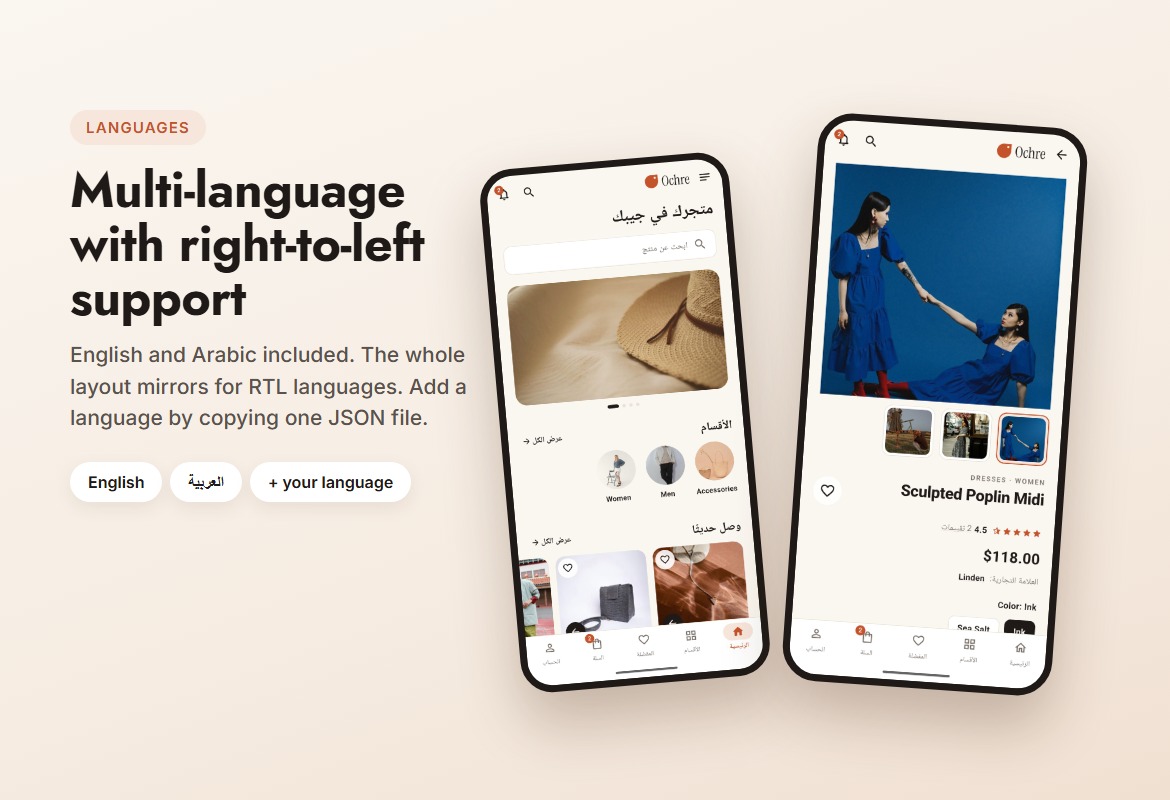
- Browse, search, add to cart and open the checkout. Light, dark and Arabic are in Settings.
- Demo account: tester@example.com / OchreTest2026, or create your own. Checkout uses cash on delivery; nothing is shipped.
Documentation
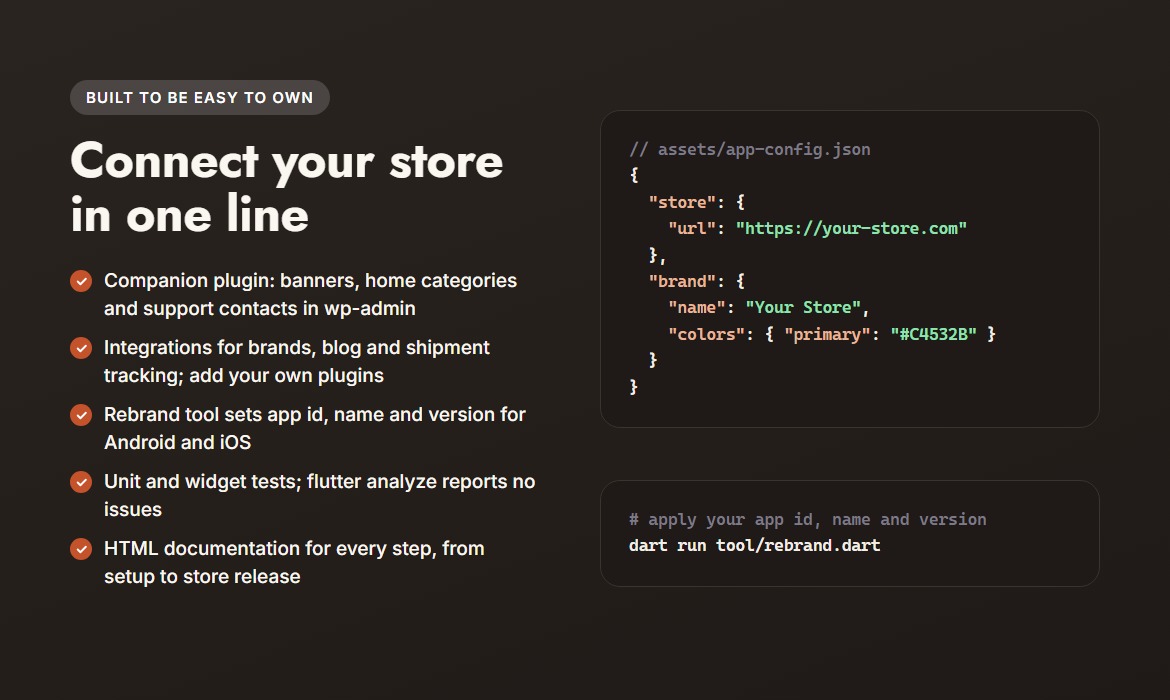
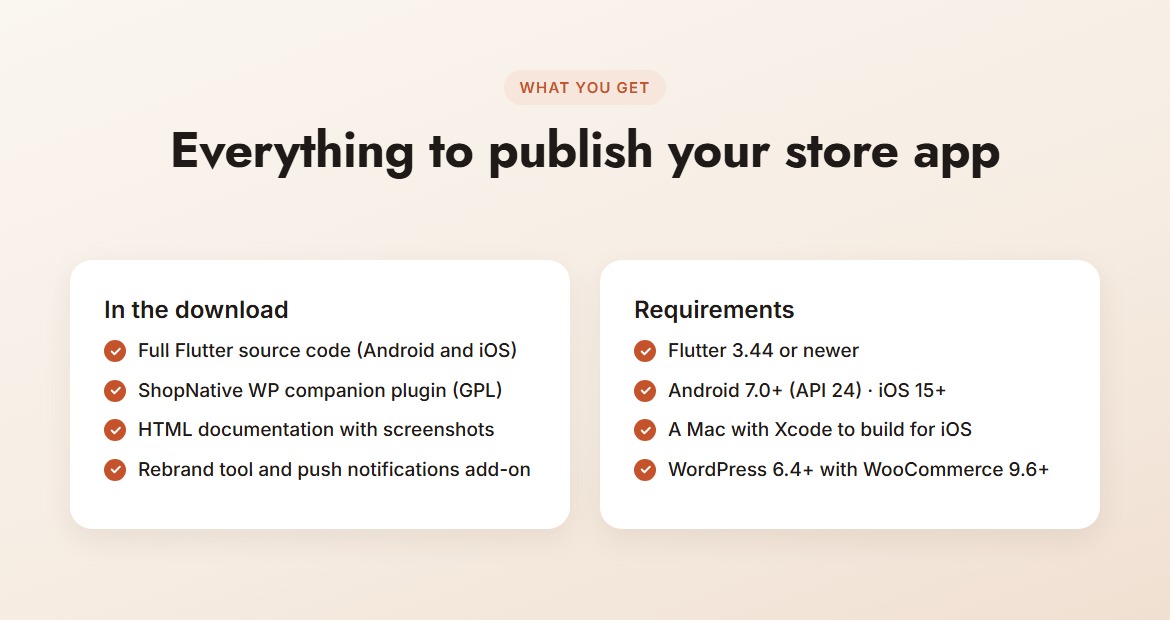
Setup, project structure, WooCommerce and plugin setup, every config option, rebranding and publishing. The same documentation is included in the download.
Screenshots
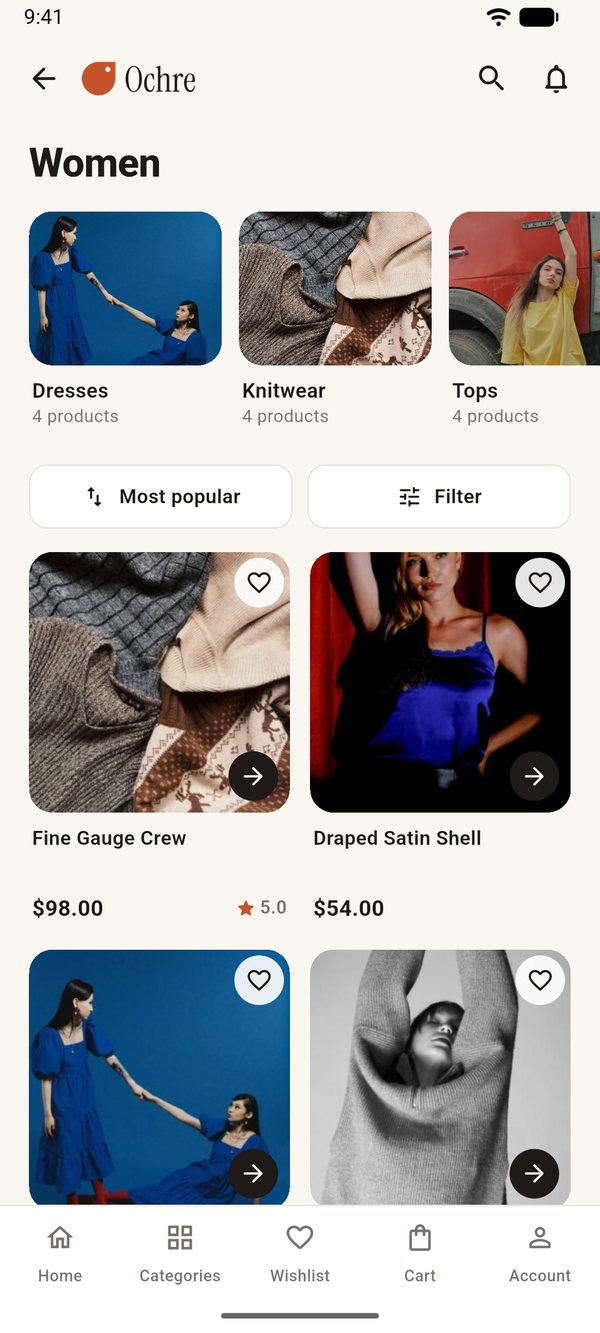
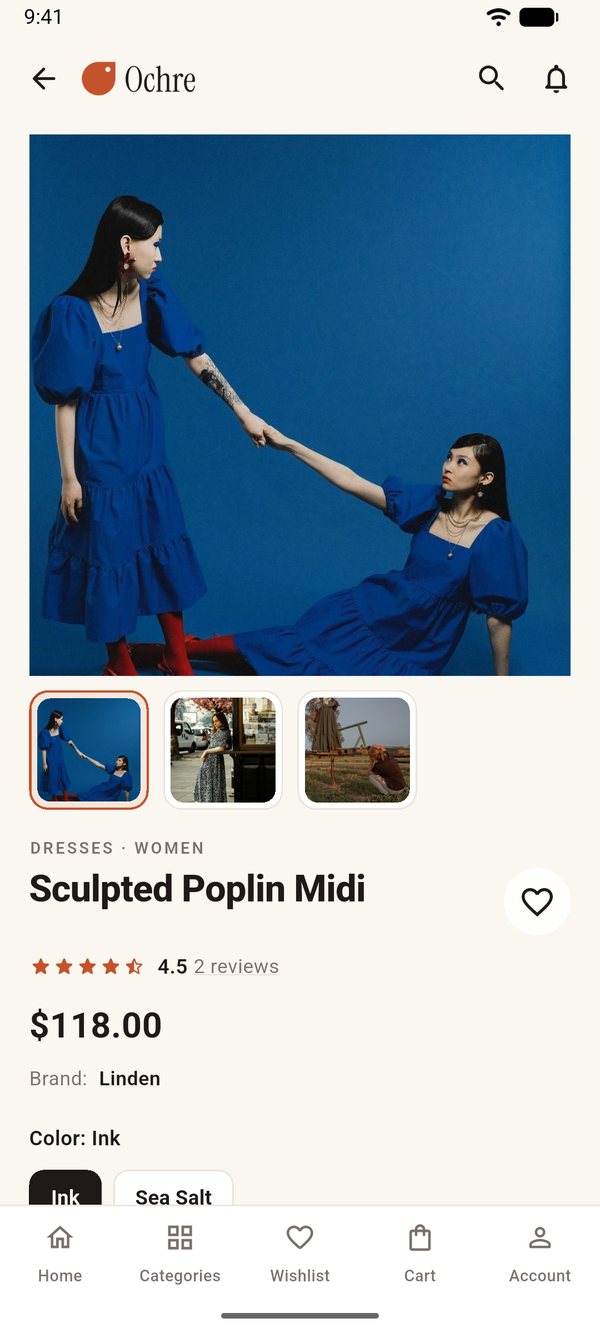
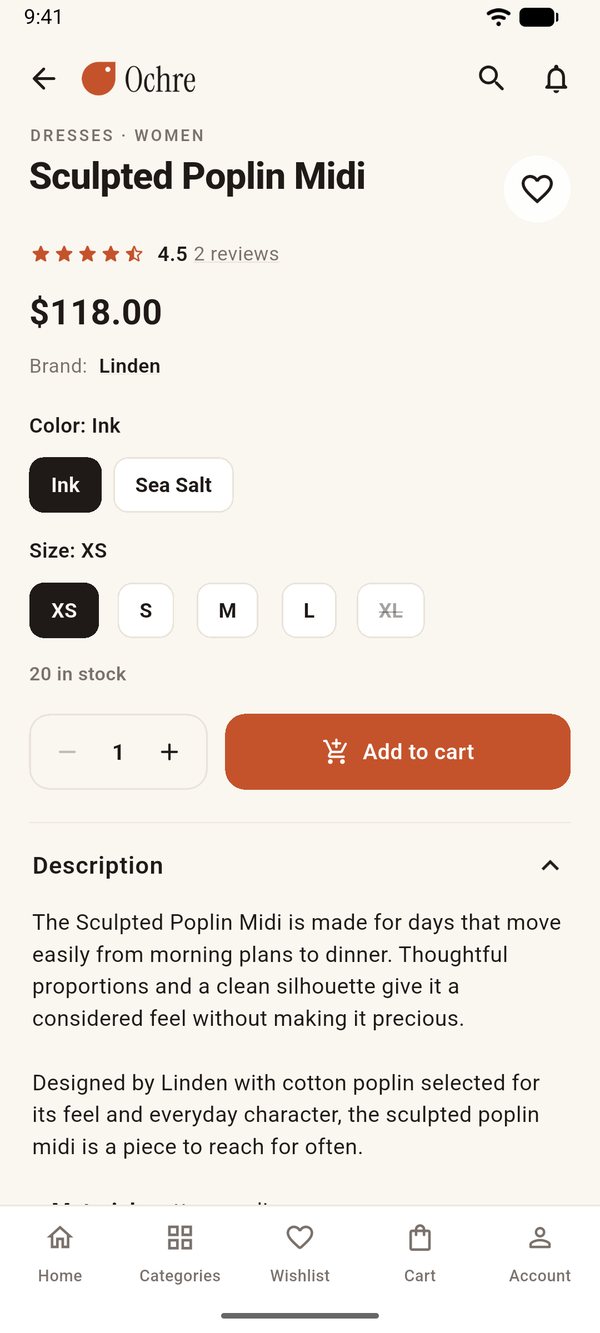
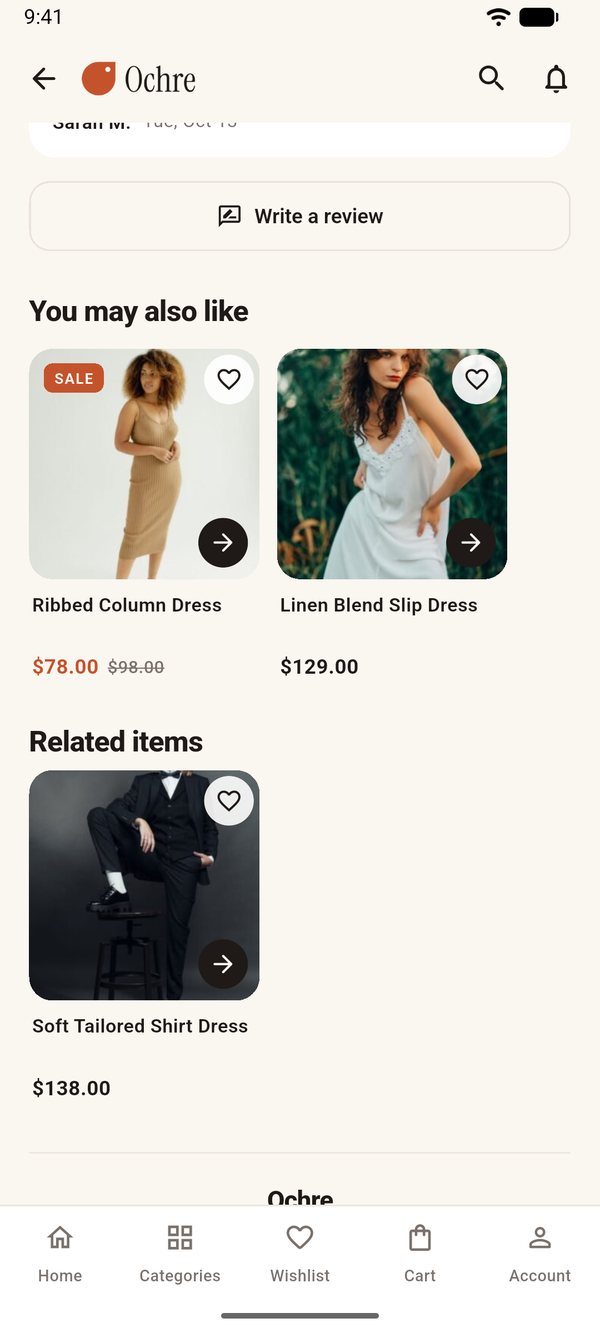
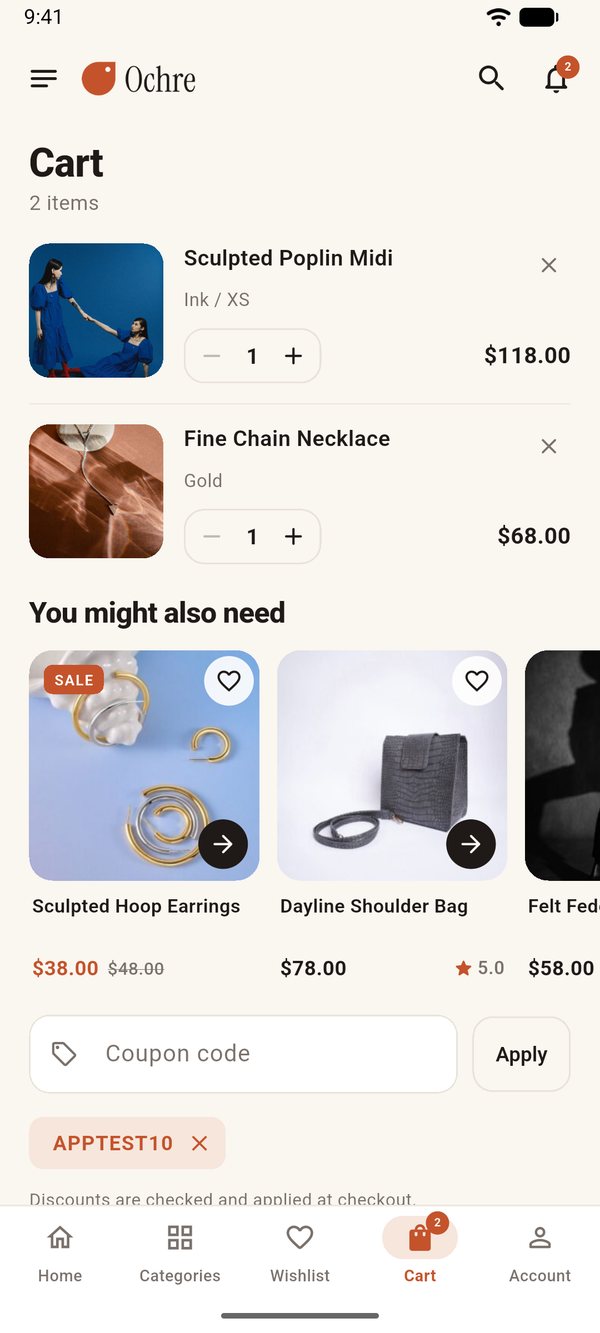
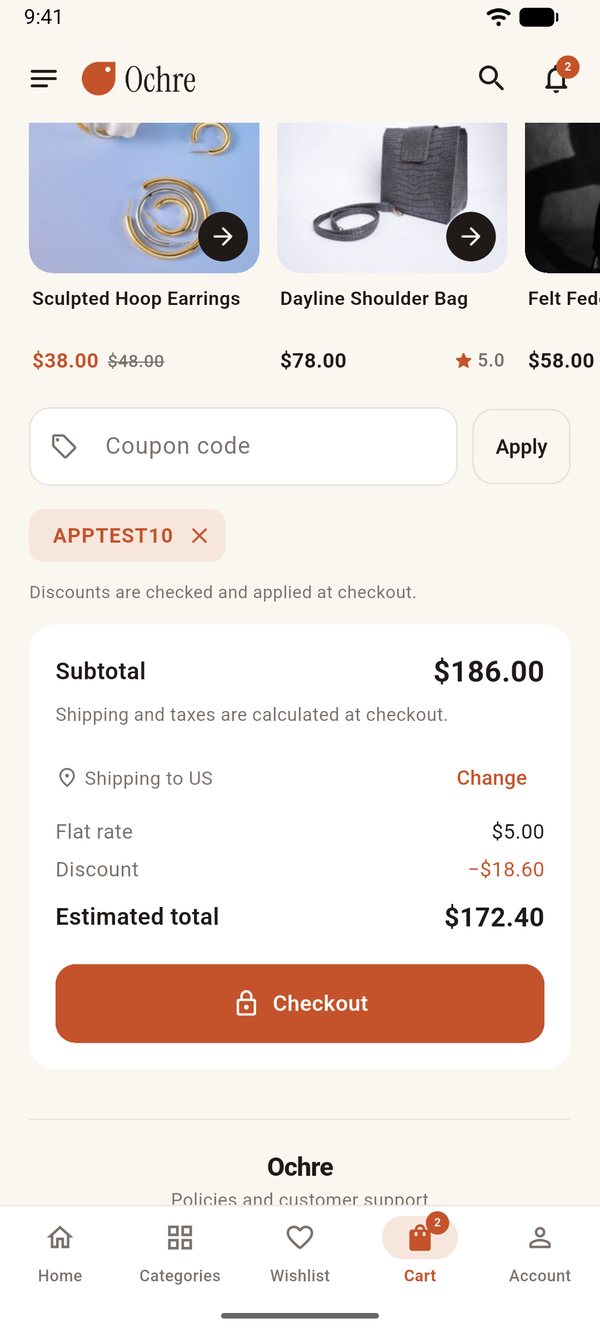
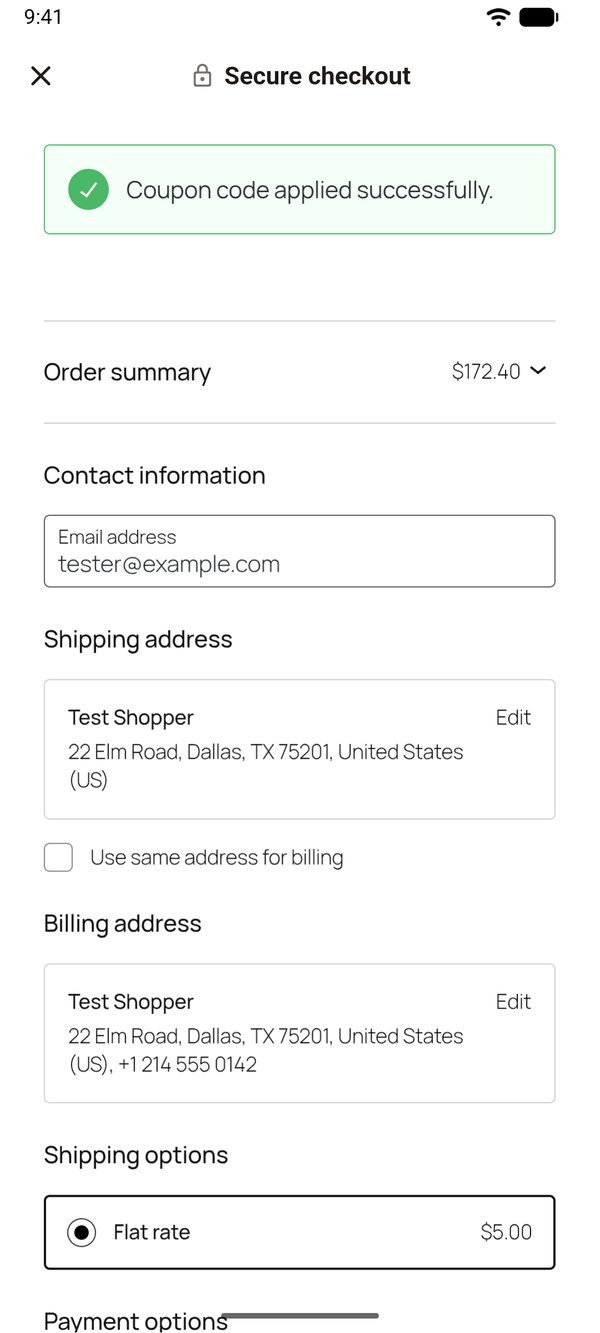
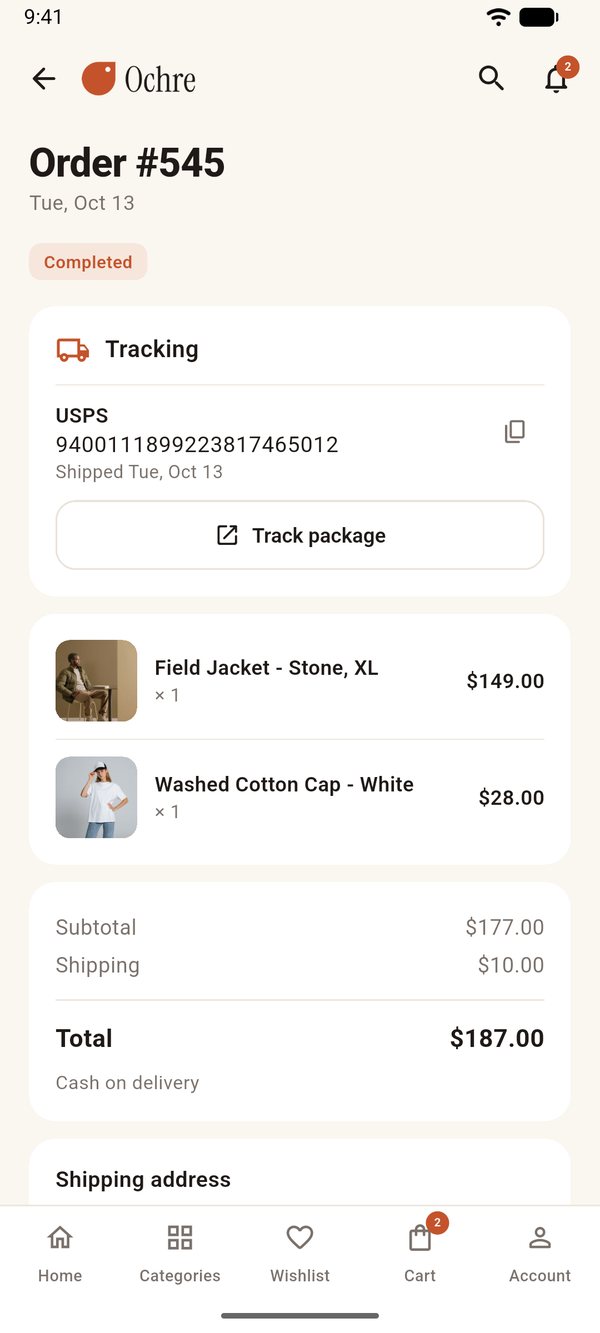
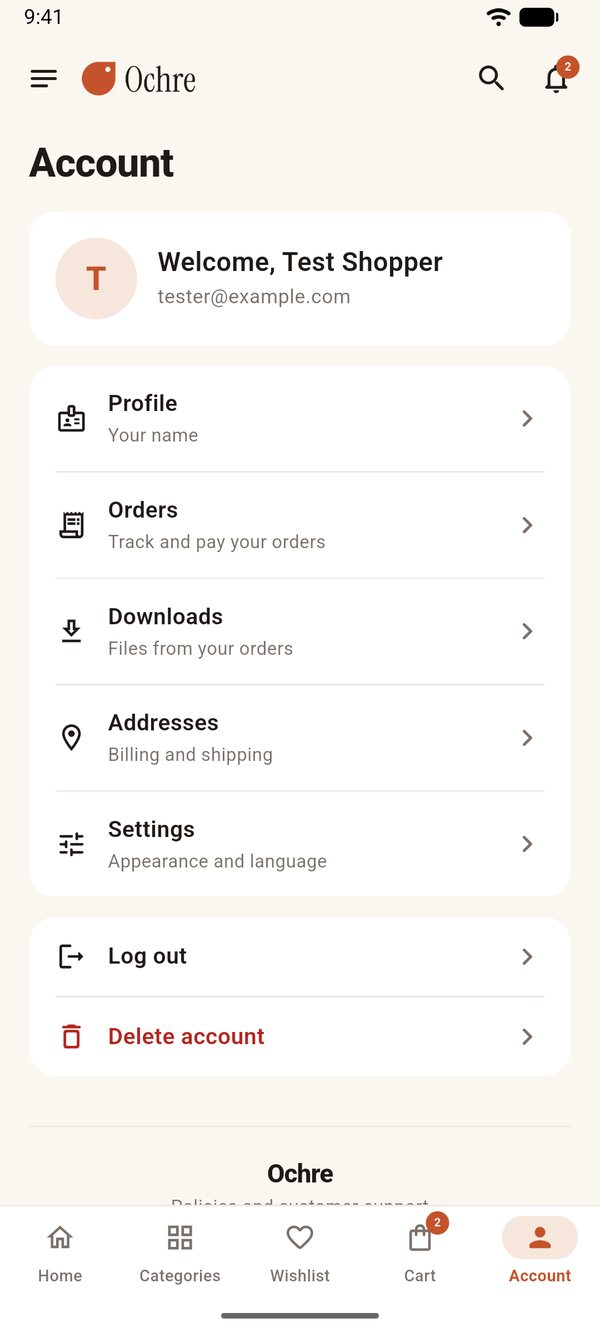
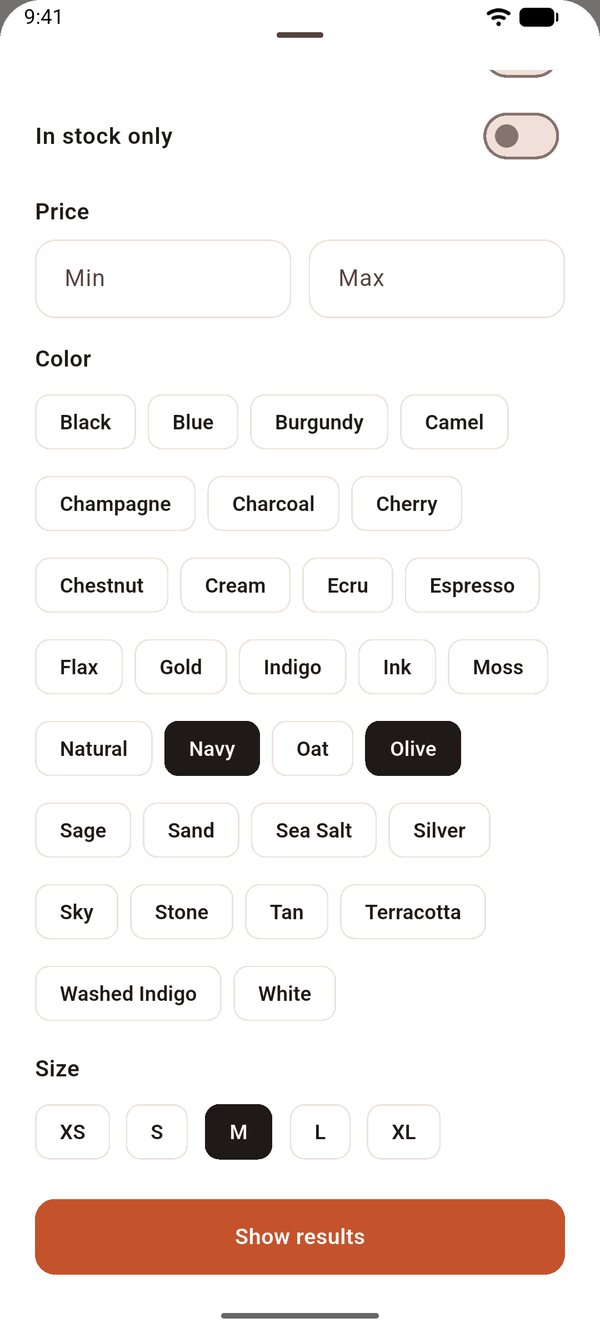
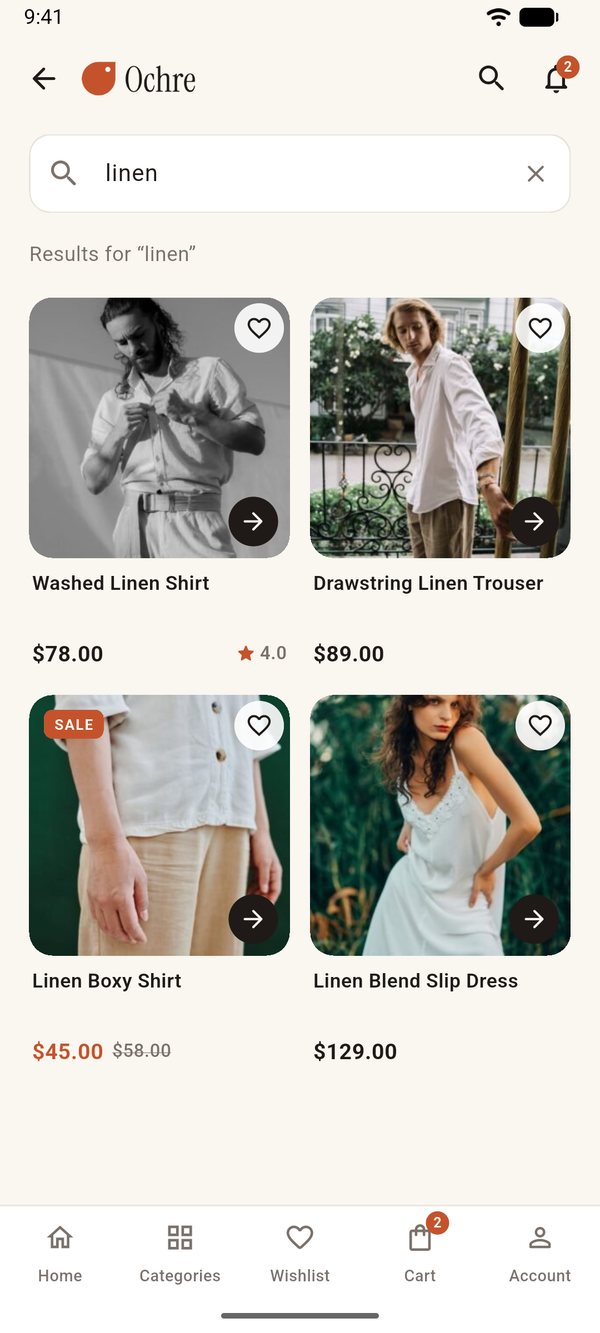
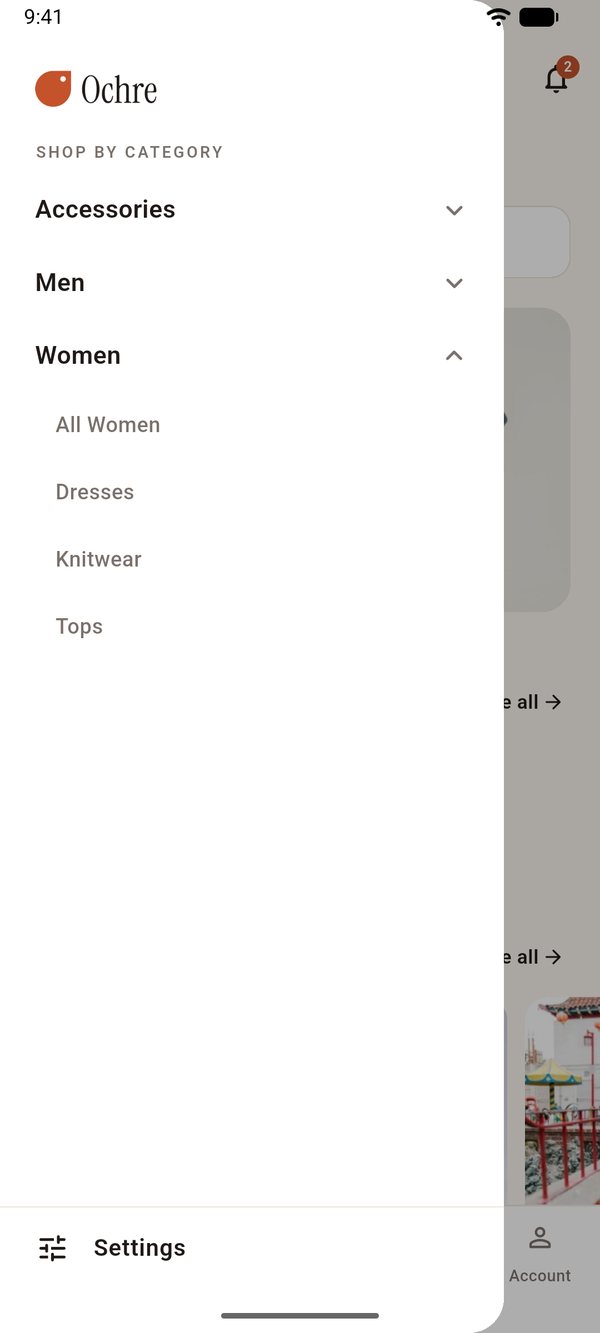
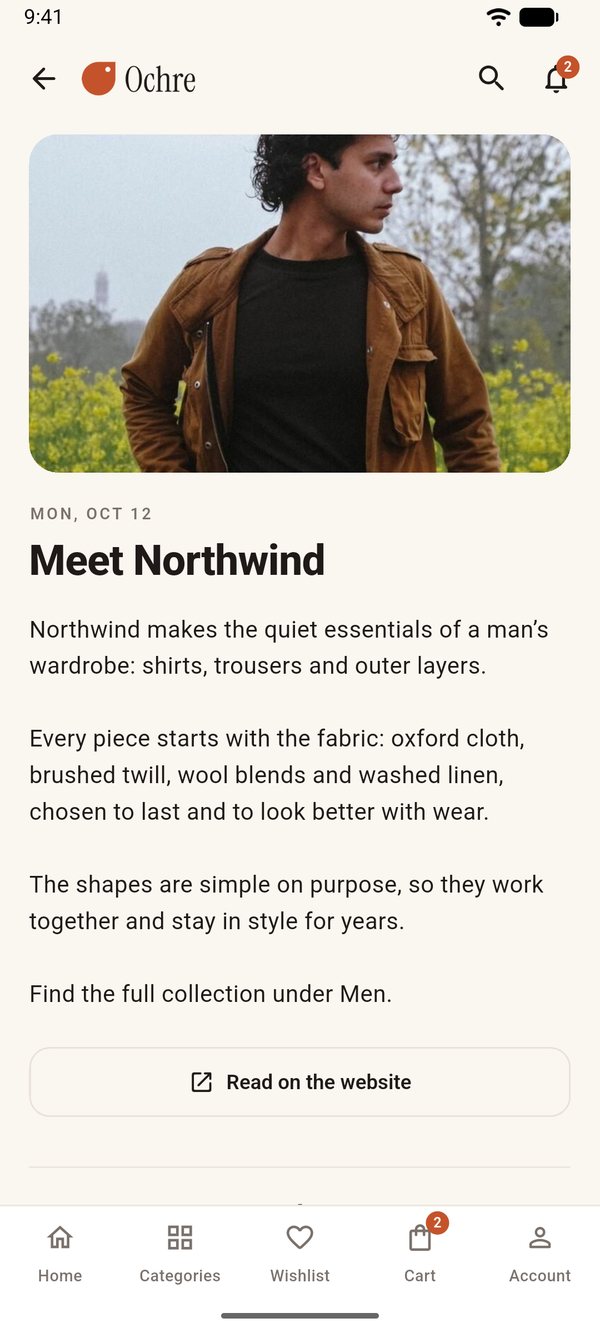
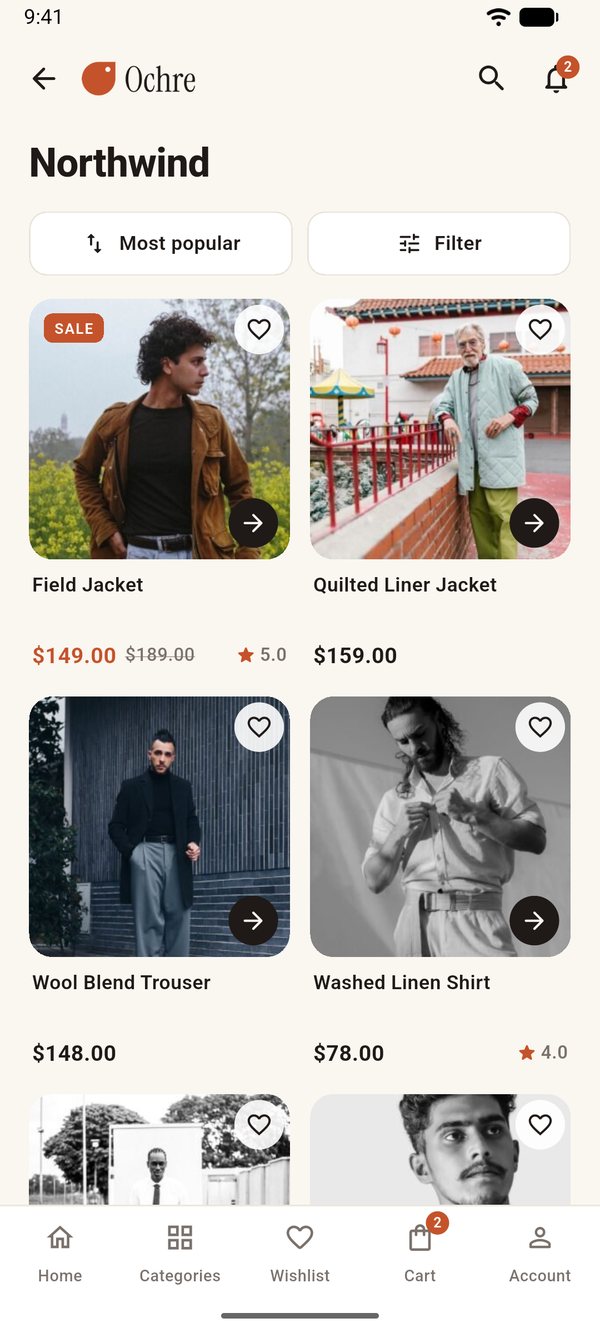
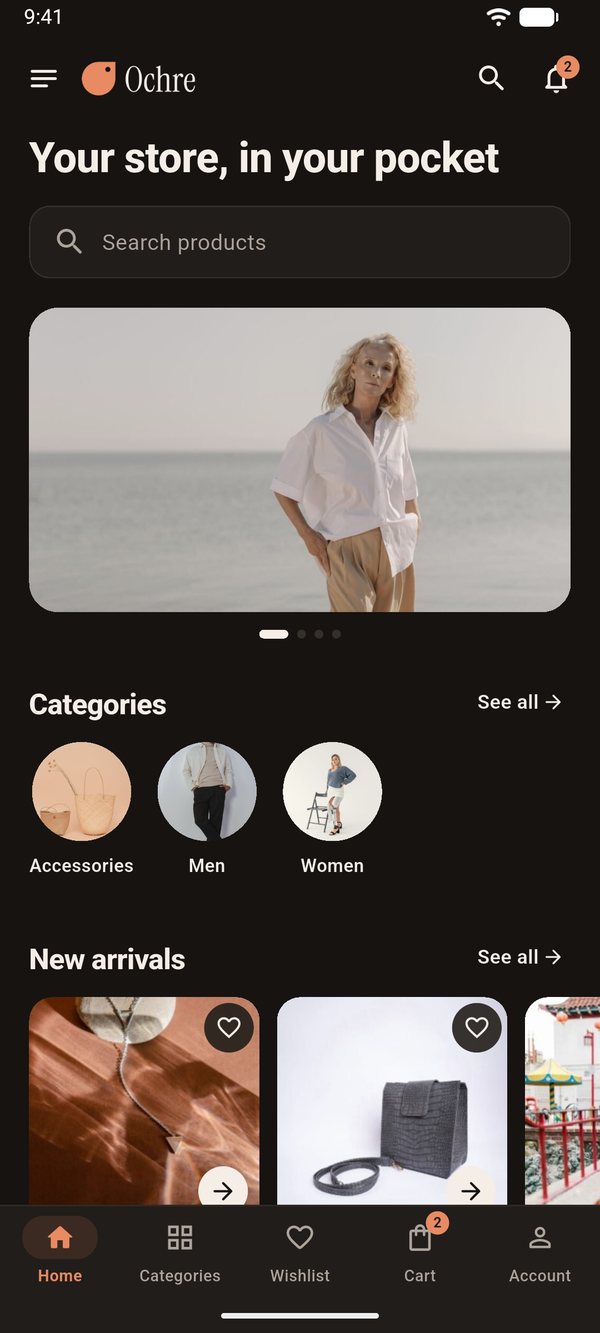
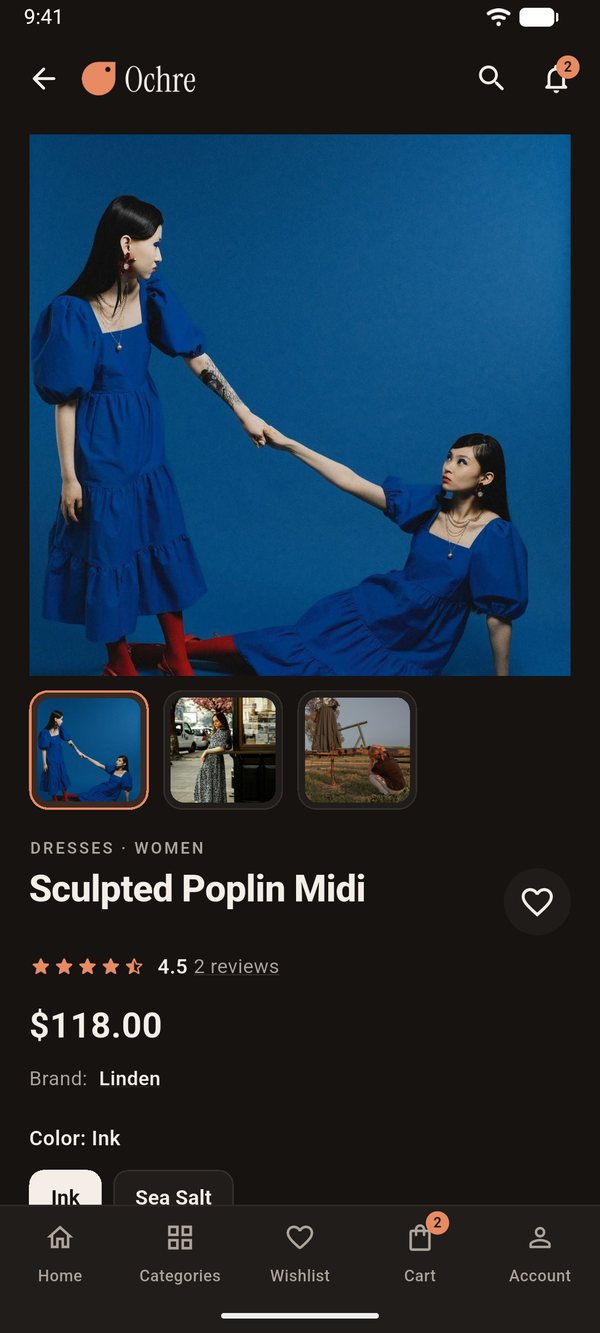
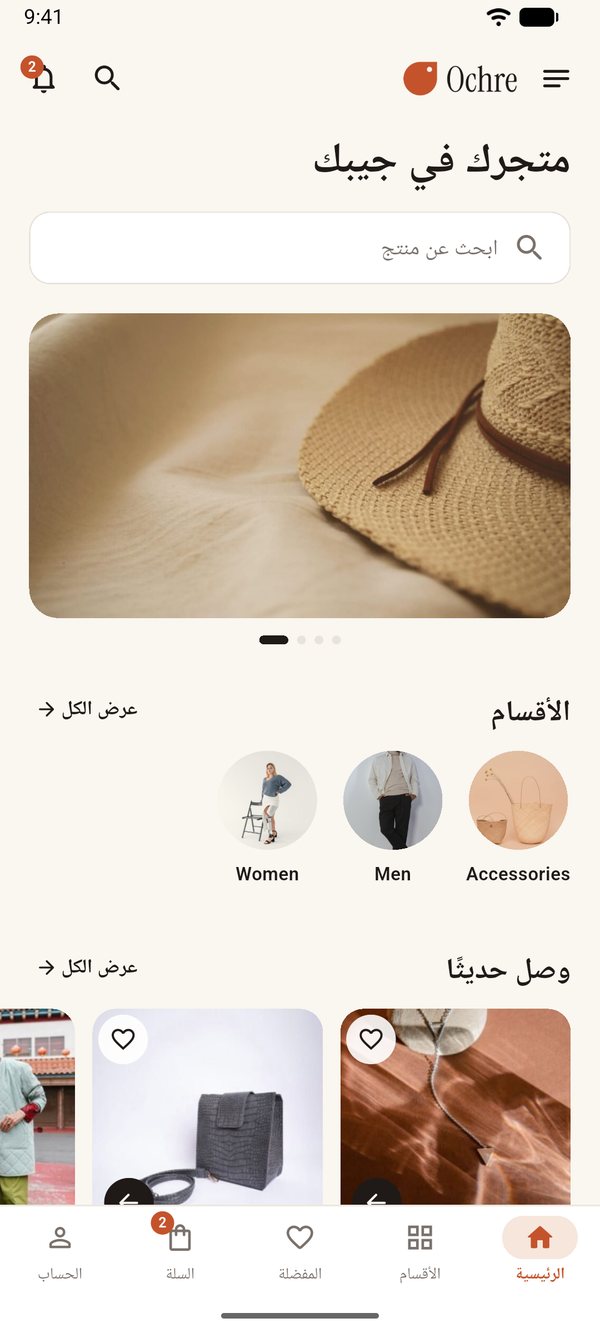
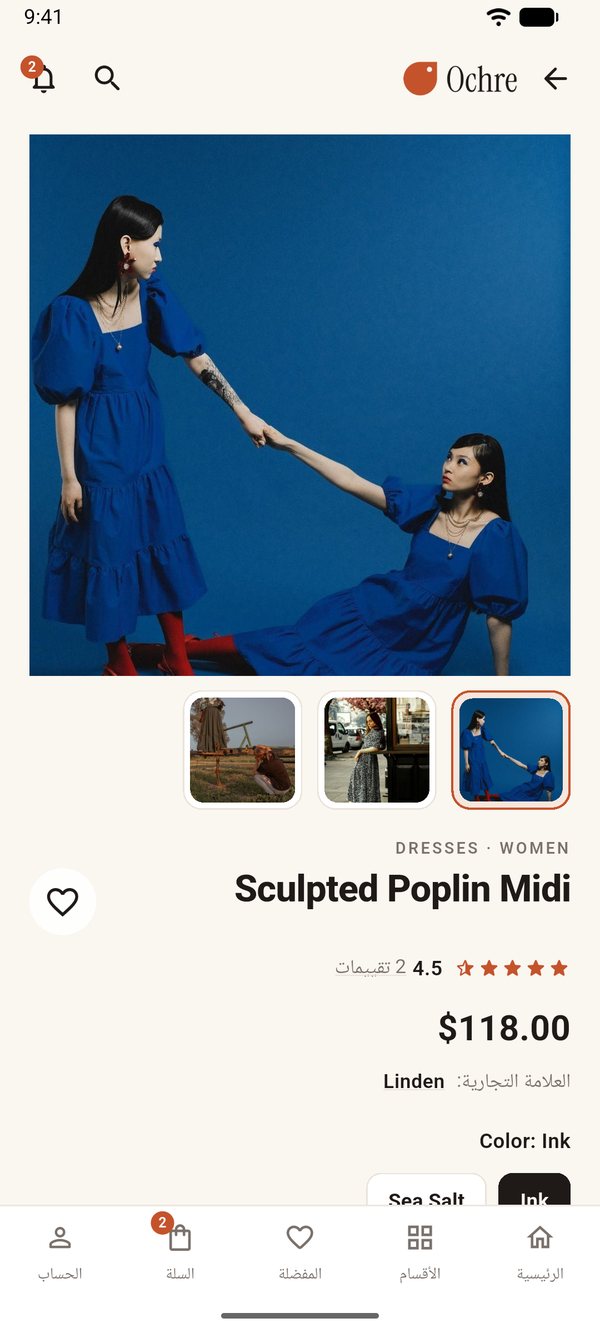
Installation and publishing service
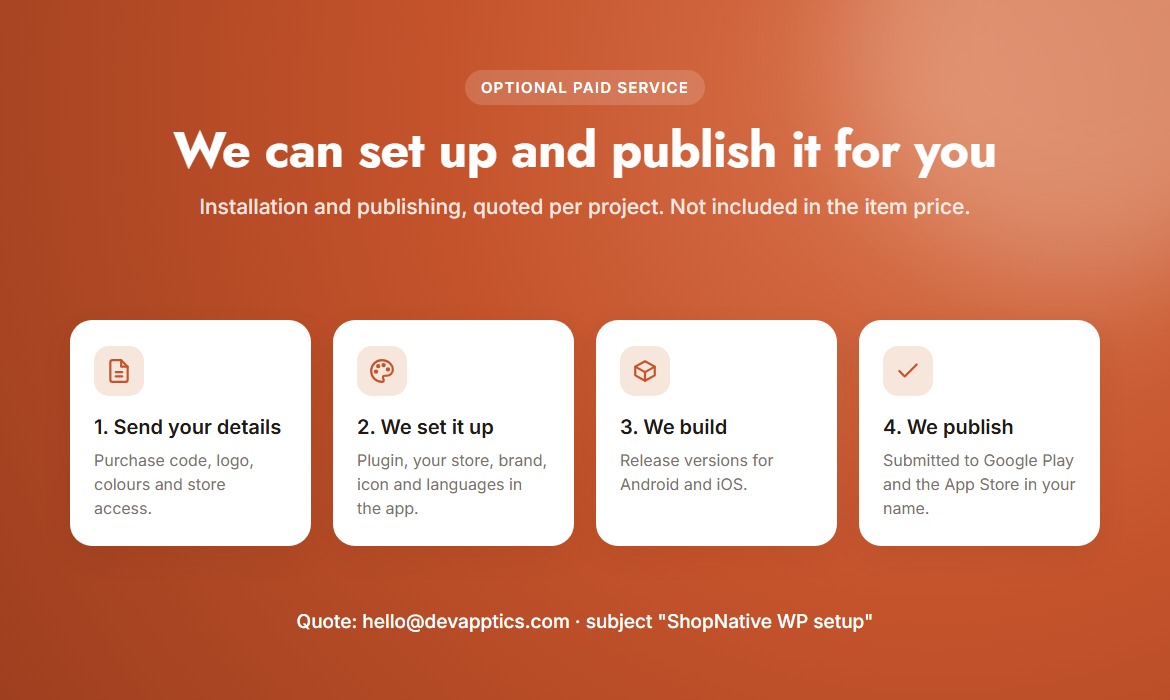
Optional and paid, quoted per project; not included in the item price. We set up and publish the app for buyers of ShopNative WP.
What we do
- Install and set up the ShopNative WP plugin and connect the app to your store
- Apply your app name, package name, logo, icon, colours and languages
- Build the release versions for Android and iOS
- Prepare the store listings and submit to Google Play and the App Store
What you provide
- Your purchase code
- An admin login for your WordPress site (removed when we are done)
- App name, logo (PNG or SVG), app icon (1024 × 1024 px), brand colours
- Your own Google Play Console and Apple Developer accounts, with us invited as a user
- Store listing texts, support email and privacy policy URL
The developer accounts stay in your name, so you own your apps. To request a quote, email hello@devapptics.com with the subject "ShopNative WP setup" and your purchase code.
Features